
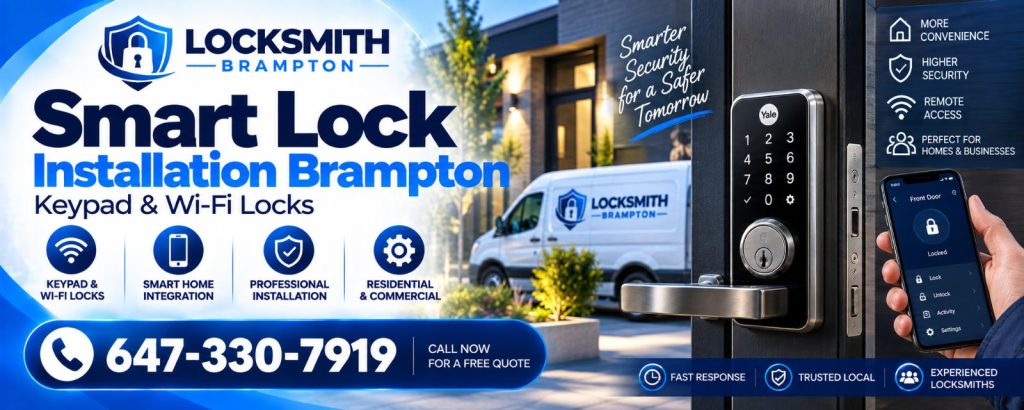
Smart locks are one of the most popular home upgrades in Brampton. But a lock that works perfectly in a California showroom can struggle through a Peel Region January: minus 20 degrees, freezing rain, snow blowing onto the keypad and doors that shift with every temperature swing. Here is how to choose a smart lock for Canadian winters and keep it working.
What cold does to smart locks
- Batteries lose capacity. Alkaline batteries in particular deliver less power in the cold.
- Motors work harder. Grease thickens and doors shift, so the bolt meets more resistance.
- Keypads get wet and icy. Snow and freezing rain can make buttons unresponsive.
- Wi-Fi at the door weakens when routers are far away and steel doors block the signal.
Features to look for
- Exterior weather rating. Look for locks designed for exterior use with sealed keypads.
- A physical key backup or emergency power terminal, so a dead battery never locks you out.
- Low-battery warnings well in advance, through the app and at the lock.
- Auto-lock with door-position sensing, so it does not try to throw the bolt into an open door.
- A solid deadbolt with a full bolt throw, not just electronics.
- Replaceable standard batteries rather than proprietary packs.
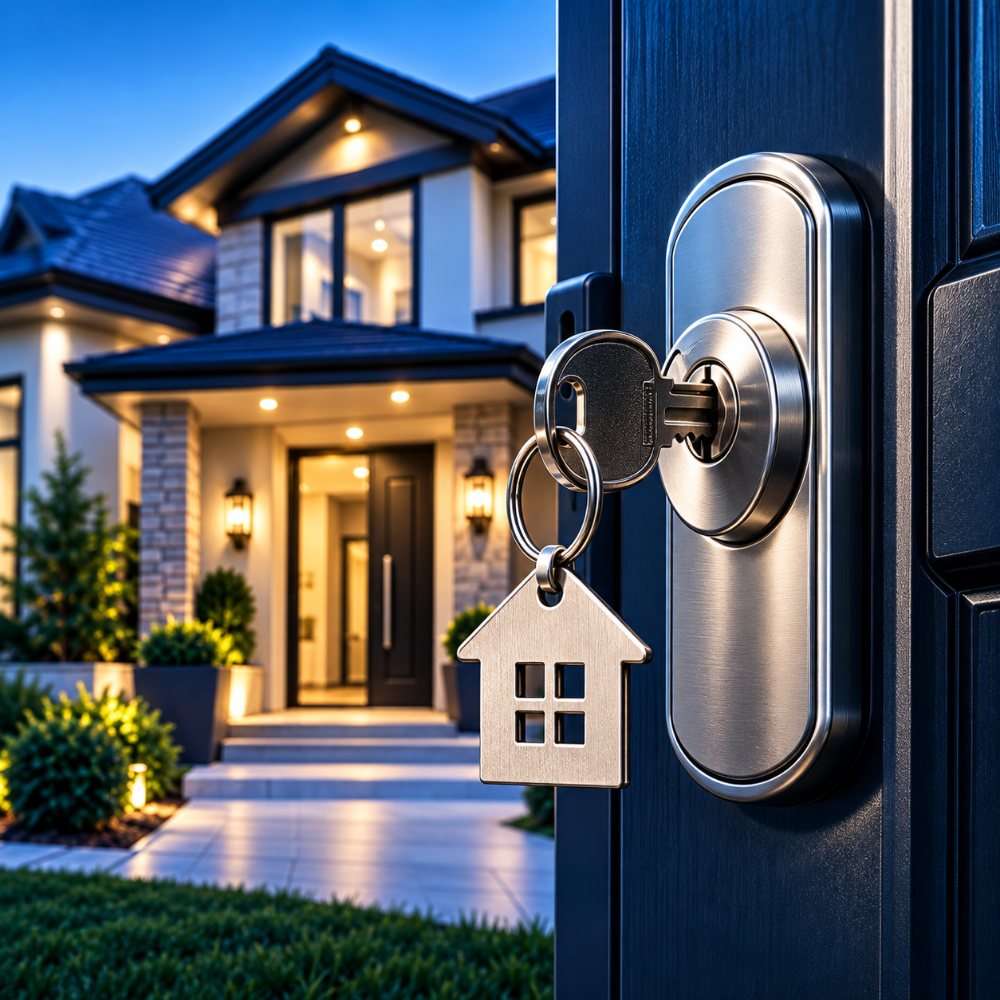
Keypad, Bluetooth or Wi-Fi?
Keypad-only locks have the longest battery life and fewest points of failure. Bluetooth locks let you unlock by phone nearby. Wi-Fi locks give remote access and alerts but use more power and need a strong signal at the door. For many Brampton families, a keypad deadbolt with optional Wi-Fi is the sweet spot.
Installation matters more than the brand
The number one reason smart locks fail in winter is a bolt rubbing against the strike plate. The motor strains, the battery drains and the lock reports a jam. Before installing any smart lock, make sure:
- The deadbolt moves freely by hand with the door closed.
- The strike opening has a little tolerance for seasonal movement.
- Hinge screws are tight and long enough.
- The lock is calibrated for the door’s handing.
Our Smart Lock Installation Brampton service starts with the door, not the box. If your lock already sticks, see Why Your Deadbolt Sticks in Winter.
Installing a smart lock this winter?
We fit and set up smart locks so they work at minus 20. Call 647-330-7919.
Winter maintenance routine
- Replace batteries every autumn with the type the manufacturer recommends.
- Test the key backup a few times each winter so the cylinder does not seize.
- Brush snow off the keypad; never chip ice with metal.
- Check the app for firmware updates.
- If the lock starts showing jam errors, fix alignment before the motor fails.
Security still comes first
A smart lock adds convenience, not magic. It still needs a reinforced strike, long screws and a solid door. When choosing hardware, our Lock Installation Brampton guide on lock grades applies to smart deadbolts too.
Frequently asked questions
Do smart locks work in Canadian winters?
Quality exterior-rated smart locks work well when installed correctly and fitted with good batteries.
Why does my smart lock drain batteries in winter?
Cold reduces battery capacity and a misaligned bolt makes the motor work harder.
What happens if my smart lock battery dies?
Use the key backup or emergency power option. Replace batteries every autumn to avoid it.
Is Wi-Fi or keypad better?
Keypad locks last longer on batteries; Wi-Fi adds remote access. Many homeowners choose a keypad lock with optional Wi-Fi.